Customize the keinaufwand Layout for Your Business
Our website layout, optimized for offers, can be adapted to your business with a variety of settings.
Below you'll find a list of all settings and how they affect the website layout.
Want to make a change to your layout that isn't listed here? Send us an email and we'll see how we can help.
In this article
Basic Steps
- In the admin panel, click Websites and then Websites in the submenu
- Next to your website, click the red Customize button:
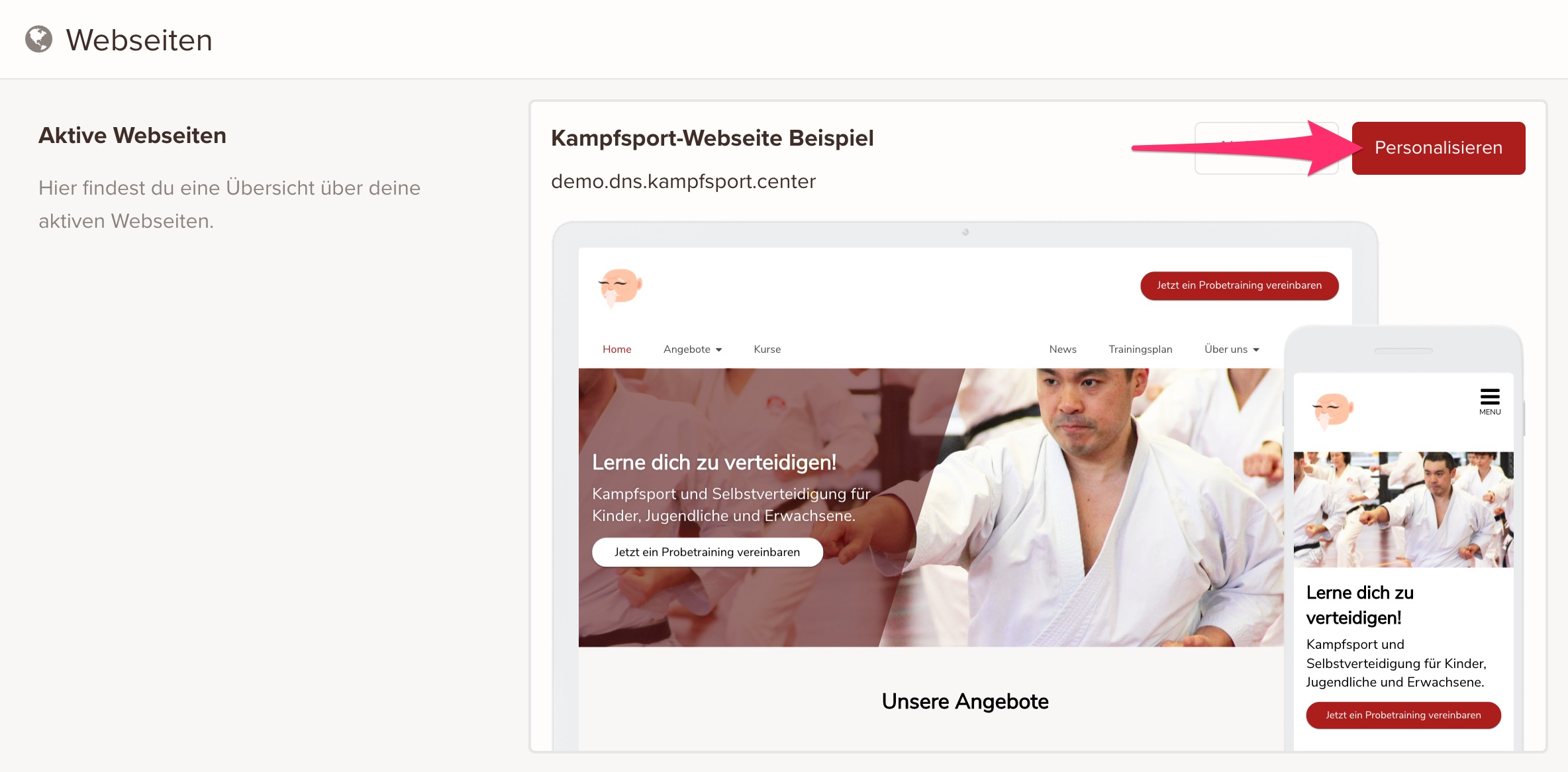
- Adjust the settings as needed
- Click Save once you're happy with the settings you've entered
Settings
Color Scheme

By changing the primary color, you can match image overlays, buttons, and links to the main color of your business or your logo.
Main and Secondary Banner

The main banner is used as the entry section on your website's home page and lets you make a strong first impression on your visitors and invite them to book a first appointment.
The secondary banner is used on the home page and on various subpages (offer pages and blog posts) as a closing section that invites visitors once more to book a first appointment.
The main banner and secondary banner each consist of a heading, a short text, a meaningful image, and, if needed, an image overlay to make the heading and text easier to read.
Banner
The banner lets you place a linkable line of text at the top of every page. For example, you can use it to highlight a particular piece of news or an announcement.
More Settings
Favicon

A favicon is a small 16x16 or 32x32 pixel icon, symbol, or logo, typically shown in a web browser's address bar to the left of the URL. It helps make your website easy to recognize when several tabs are open or in saved bookmarks.
Google Analytics

To get analytics data about your website visitors, you can connect each keinaufwand website to its own Google Analytics property.
To do this, create a new Google Analytics property and enter its ID in our system.
You can find out how to set up a Google Analytics property here.
keinaufwand for: Martial arts schools, Consulting and coaching, Yoga and Pilates, Dance schools, Gyms and fitness studios, Personal training, Swim schools, Music schools, Sports clubs, Massage and therapy practices, Dog training schools.
Enjoy the rest of your Wednesday!