Events
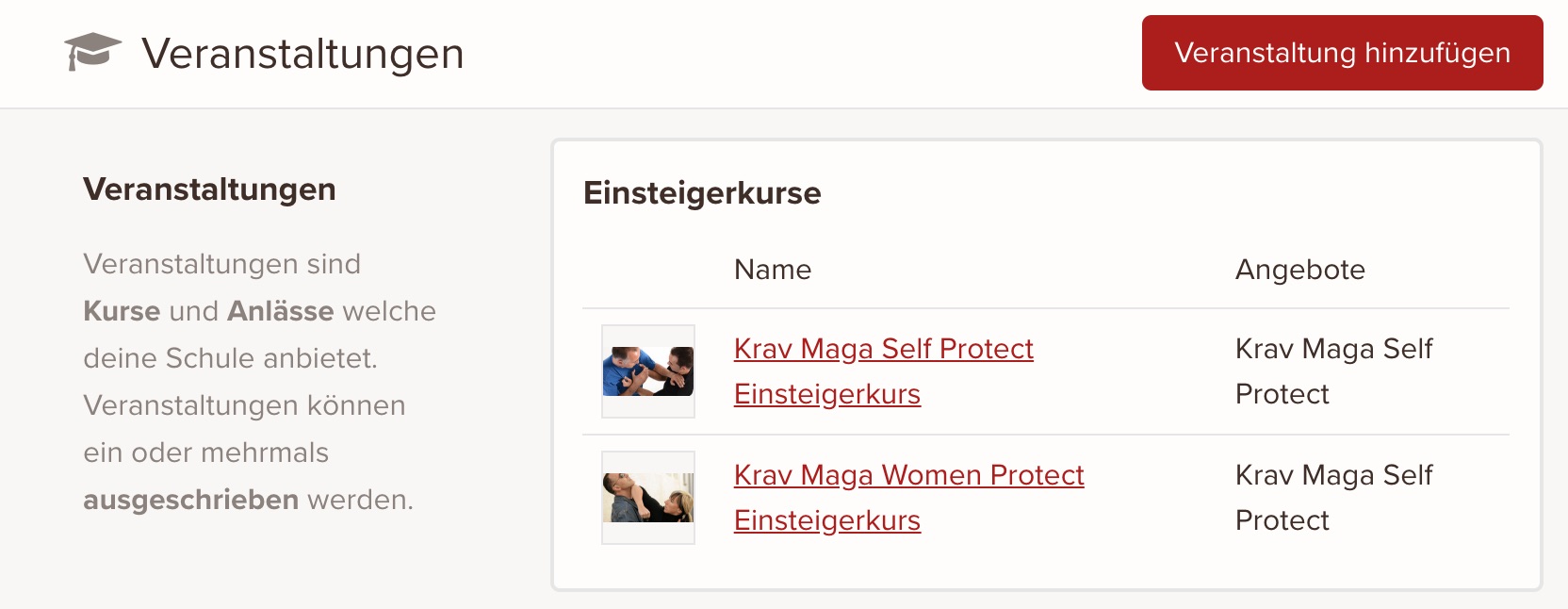
An event is the first component of an event and contains information about the offer and content of the course or event.
To publish an event, you need to create an event listing.
In this article
Add an event
- From the admin panel, go to Offers > Events.
- Click Add event.
- On the New event page, add a title.
- Add the content of the event. This field uses the rich text editor, so you can format the content of the event.
- Optional: Add a cover image to the event. Click Upload image in the Cover image section and select the image you want to upload.
- By default, events are categorized with the type Training program. Select the appropriate event type in the Organization section.
- Optional: Assign the event to one or more offers.
- Click Save once you're happy with the content and settings you've entered.
Edit an event
To edit an event:
- From the admin panel, go to Offers > Events.
- Click the title of the event you want to edit.
- Adjust the content and settings you want.
- Click Save.
keinaufwand for: Martial arts schools, Consulting and coaching, Yoga and Pilates, Dance schools, Gyms and fitness studios, Personal training, Swim schools, Music schools, Sports clubs, Massage and therapy practices, Dog training schools.
Solutions:
Booking system,
Membership management,
Websites,
Customer portal,
Association integration.
Stay in touch:
Email
Copyright © Codegestalt. All rights reserved.
Enjoy the rest of your Wednesday!
Enjoy the rest of your Wednesday!